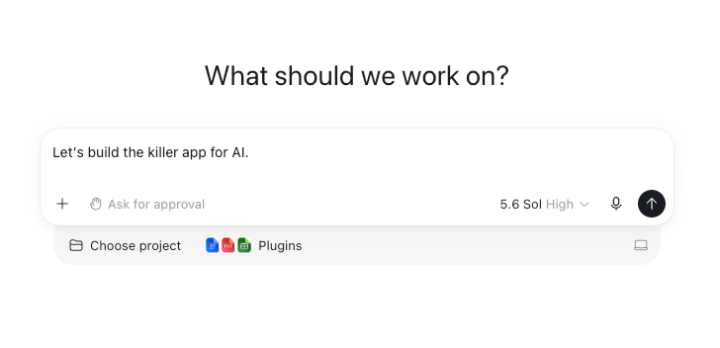
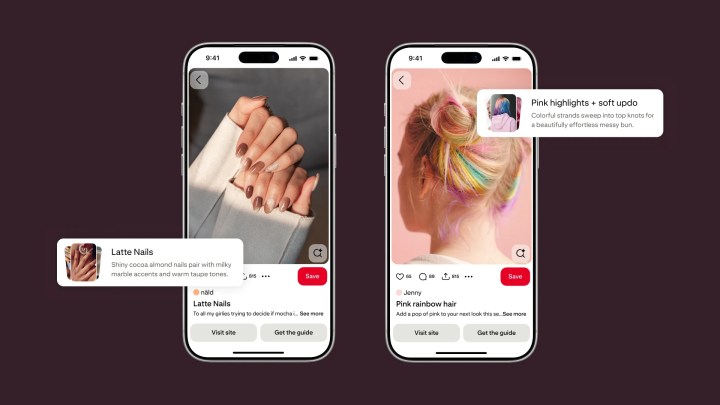
The ChatGPT Chrome extension has been updated so it can look at your open tabs and give you more personalized, useful answers. OpenAI once had a browser of its own, but it retired that product on August 9. Instead, it upgraded the Chrome extension to make ChatGPT a stronger alternative to Gemini in the browser. With these latest changes, ChatGPT can now do even more tasks inside Chrome.
If you are in ChatGPT Chat, you can ask the assistant to review your open tabs and build answers that are personally useful. You could, for example, ask it to compare couches open in three different tabs by their dimensions, prices, delivery time, and return policy.
What ChatGPT Work Can Handle for You
If you are using ChatGPT Work, the agent built for complex multi-step tasks, you can ask the assistant to send messages, fill out forms, organize tabs, and complete forms on your behalf. You could ask ChatGPT to fill out a form for your new dentist and then add your schedule to the calendar. Another example is asking the chatbot to analyze several contractors’ terms open in multiple tabs and then draft an email to the provider that fits your needs most.
Sidebar Access to Your Full History
ChatGPT in Chrome’s sidebar now has access to your whole history, so you can talk to it and give it tasks without tabbing away from what you were doing. You can get the ChatGPT extension no matter which plan you are on. OpenAI says that aside from Chrome, the extension also works with other Chromium-based browsers, including Microsoft Edge, Brave, and Opera.
In a post on X, ChatGPT described the shift: “Next up: using ChatGPT right within a Chrome tab got a major upgrade – the full power of ChatGPT is now in your browser. Your entire ChatGPT history is right there, and you can ask question in Chat or get things done in Work – side by side while you’re on a site.”
Why Tab Awareness Matters
This update matters because OpenAI no longer offers its own browser. By folding tab awareness and history access into the ChatGPT Chrome extension, the company keeps ChatGPT present while you browse without asking you to switch apps. For people who already work in Chrome, the extension now covers comparison shopping, form filling, tab organization, and multi-step research in one place.
A Competitive Moment for AI Assistants
The update also lands during a busy period for AI assistants. ChatGPT was probably most people’s first encounter with an LLM after its launch in 2022, and it had no real competition until Claude arrived in March 2023. Since then, both platforms have improved their models and added features, and the overlap between them makes choosing harder.
Accuracy and Hallucination Benchmarks
Measuring accuracy in LLMs is tricky because the model you use and the prompt you feed it both shape the output. On flagship models, Claude Fable 5 (Max) and GPT 5.6 Sol (Max), Claude is marginally more accurate according to the AA-Omniscience Accuracy benchmark, at 61 percent versus 59 percent. That gap is small enough that you will rarely notice it day to day. On mid-tier models, the scales tip toward ChatGPT: ChatGPT 5.6 Terra (Max) scores 46 percent, while Claude Sonnet 5 (Max) sits lower at 38 percent.
Hallucination rates tell a different story. A lower score is better on the AA-Omniscience Hallucination Rate benchmark, and Claude’s Fable 5 model scores 55 percent compared with ChatGPT 5.6 Sol’s 89 percent. The gap widens in the mid-tier: Claude Sonnet 5 scores 37 percent, while ChatGPT 5.6 Terra scores 85 percent.
Skills, Artifacts, and What Each Tool Does Best
Usage patterns differ too. According to the Anthropic Economic Index report from March 2026, 42 percent of Claude conversations revolved around personal usage and 45 percent were related to work, with the rest tied to coursework. A similar OpenAI report states that 70 percent of ChatGPT usage is non-work-related.
Claude Cowork, released in January 2026, can perform knowledge-based tasks on your behalf, such as organizing files. You can also create instruction bundles called skills that can be invoked mid-conversation using the forward slash (/). Claude Artifacts can instantly render code snippets, single-page HTML websites, interactive React components, and diagrams, and you can share and publish Artifacts on the web.
ChatGPT supports skills too, but the implementation differs. ChatGPT skills can only be used by individual users in Codex and the API, not regular chats, while Claude’s skills work across chat, Claude Cowork, and Claude Code. ChatGPT’s Artifacts equivalent, Sites, targets businesses for internal use and is only available in Codex. ChatGPT Sites also cannot pull live data, unlike Claude Artifacts, which can do so using connected apps and Model Context Protocol connectors.
Some features are better in ChatGPT. The voice feature sounds more natural, and you can interrupt it without it losing track of what it was saying. For real-time help, you can use the live video feature in Advanced voice mode and point it at the issue you are facing. ChatGPT also has image generation that can create photorealistic images, whereas Claude can only build diagrams, charts, and interactive visuals using HTML and SVG.
Pricing at a Glance
Both Claude and ChatGPT’s free plans only offer access to their mid-tier models: Sonnet 5 for Claude and GPT-5.5 for ChatGPT. The difference is that ChatGPT shows ads on its free tier.
Claude’s paid plans include the $20/month Pro plan ($17/month if billed annually), the $100/month Max 5x plan with five times the usage limits of Pro, and the $200/month Max 20x plan with 20 times the usage limits of Pro. Paid plans unlock the flagship models and Claude Code. Pro users have token-based billing for Fable 5, while Max 5x or Max 20x users can use 50 percent of their weekly usage limits on Fable 5.
ChatGPT’s pricing is similar, with $20/month, $100/month, and $200/month plans that increase usage limits and unlock flagship models. Access to Codex is free, though low usage limits practically cancel that out. Unlike Claude, ChatGPT has an $8/month plan that offers increased usage limits but still shows ads.
The updated ChatGPT Chrome extension turns your open tabs into context the assistant can actually use. Whether you want to compare products, fill out forms, or organize a messy browsing session, the extension now reaches further into your workflow. You can install it on Chrome or another Chromium-based browser, whatever plan you are on.