By using this site, you agree to the Privacy Policy and Terms of Use.
Accept
Techticia.comTechticia.comTechticia.com
  • Home
  • Recent
  • Jobs
  • Categories
    • AI
    • Amazon
    • Android
    • Apple
    • Apps
    • Crypto
    • Enterprise
    • Entertainment
    • EVs
    • Fintech
    • Gadget
    • Gadgets
    • Gaming
    • Google
    • Hardware
    • Meta
    • Microsoft
    • Mobile
    • Privacy
    • Security
    • Socials
    • SpaceX
  • Pages
    • Privacy Policy
    • About Us
    • Contact Us
    • Terms and Conditions
Search
Emerging Tech
  • Biotech & Health
  • Drones
  • Robotics
  • Space
  • Wearables
  • Tech News
  • Technology
Business & Policy
  • Commerce
  • Fundraising
  • Government & Policy
  • Policy & Regulations
  • Venture
  • Startups
Mobility & Culture
  • Climate
  • Entertainment
  • EVs
  • Media & Entertainment
  • Robotaxis
  • Transportation
  • Contact
  • Blog
  • Complaint
  • Advertise
© 2026 Techticia.com. All Rights Reserved.
Reading: Kindle Scribe Colorsoft Review: Worth the $630 Price?
Share
Sign In
Notification Show More
Font ResizerAa
Techticia.comTechticia.com
Font ResizerAa
  • Tech News
  • Gadget
  • Technology
  • Mobile
Search
  • Home
  • Recent
  • Jobs
  • Categories
    • AI
    • Amazon
    • Android
    • Apple
    • Apps
    • Crypto
    • Enterprise
    • Entertainment
    • EVs
    • Fintech
    • Gadget
    • Gadgets
    • Gaming
    • Google
    • Hardware
    • Meta
    • Microsoft
    • Mobile
    • Privacy
    • Security
    • Socials
    • SpaceX
  • Pages
    • Privacy Policy
    • About Us
    • Contact Us
    • Terms and Conditions
Have an existing account? Sign In
Follow US
  • Contact
  • Blog
  • Complaint
  • Advertise
© 2026 Techticia.com. All Rights Reserved.
Techticia.com > Blogs > Gadgets > Kindle Scribe Colorsoft Review: Worth the $630 Price?
Gadgets

Kindle Scribe Colorsoft Review: Worth the $630 Price?

Matilda Lucia, Techticia.com author avatar
Last updated: August 9, 2026 5:00 am
Matilda
Share
SHARE

A niche device for a specific kind of user

After testing the Kindle Scribe Colorsoft for two months, I found a device made for a very specific kind of note-taker and reader. While it’s pretty and lightweight, it’s not something the everyday person needs due to its hefty price tag and size. However, for those who have been waiting for a color Kindle that doubles as a digital notebook, the Kindle Scribe Colorsoft is worth considering.

Design and display: Bigger isn’t always better

The Kindle Scribe Colorsoft starts at a steep $630 and comes in two colors: Black and Fig, a pretty purple shade. It weighs just 400 grams and features an 11-inch display, making it similar in size to a traditional sheet of paper. Its thin design is impressive, but the larger size means it’s not exactly something you can hold comfortably with one hand.

During testing, I found it most comfortable to use when propped up against my knees while sitting on a bed or placed flat on a desk. That’s a notable shift from traditional e-readers, which are usually quite portable and easy to pop into a purse on the go. That wasn’t the case here—the Kindle Scribe Colorsoft’s size meant I never ended up taking it out of the house.

Who benefits from the larger screen?

If you’re an avid note-taker or researcher, this device makes much more sense. I could see why you’d want to put it in your work bag to take to the office or a coffee shop to get some work done. Beyond those situations, it’s not a device I’d reach for during a quick Uber ride or while waiting at a doctor’s appointment.

The larger size does mean there’s more room for writing, note-taking, and even sketches or diagrams. Plus, the larger display makes reading PDFs and other documents much easier.

When it comes to reading books, the larger screen has both benefits and drawbacks. The extra space is helpful when reading books with charts or maps, but the size also removes the cozy, intimate feeling that makes smaller Kindles so appealing.

Note-taking and organization

What I genuinely liked about the larger size was the ability to create an easy-to-read, color-coded digital planner and reading journal. The device comes with built-in templates for daily, weekly, and monthly planners.

As someone who normally keeps a physical reading journal, I found it quite efficient to finish a book and immediately open a digital notebook on the same device to log my reading. It streamlined the entire process.

The Kindle Scribe Pen attaches magnetically to the side of the e-reader. It feels nice in your hand and can be programmed for various actions. The eraser works smoothly and responds almost instantly, making the writing experience feel polished and responsive.

The color experience: Soft highlights, not vibrant tablet tones

While the color display is fun, it’s important to recognize that colors look more like soft highlighter shades rather than the vibrant tones you see on a regular tablet. That’s not necessarily an issue for note-taking, but it does mean that comics and other visual content won’t look as rich as the original colors.

However, the color options were genuinely useful when highlighting books. I could assign specific colors to different types of notes—for example, while reading a twisty thriller, I used blue to mark details I thought I might need to remember later and red for quotes I enjoyed. It’s also easy to quickly switch between colors thanks to the device’s fast refresh rate.

Battery life and overall verdict

As for battery life, I found it to be excellent. I only had to charge the device twice over the course of two months. It is worth noting, however, that writing uses more power than reading, so heavy note-takers may need to charge slightly more often.

All in all, the Kindle Scribe Colorsoft makes the most sense for students, researchers, and journalers who want one device for reading, annotating, and organizing handwritten notes. For everyone else, the steep cost is hard to justify.

If you’re simply looking to upgrade an older Kindle, I don’t think the Kindle Scribe Colorsoft is worth the investment. You’d be better off with the more reasonably priced Kindle Paperwhite, which starts at $159.99. This color e-reader is a lot of fun, but it’s simply not a must-have for most people.


iPhone Duo Split Screen Nails Multitasking Where iPad Falls Short
iPhone 18 Pro Camera: Apple’s Big 48MP Upgrade
Google Home MCP: Control Smart Devices With AI Agents
iPhone 18 Pro Stuck at 256GB Storage, Price Jumps Expected
Google Pixel 11: Gemini AI and Camera Features

Sign Up for Our Daily Newsletter

Get the latest breaking news and updates delivered straight to your inbox.
By signing up, you agree to our Terms and Conditions and acknowledge the data practices in our Privacy Policy. You may unsubscribe at any time.
Share This Article
Facebook Copy Link Print
Share
Matilda Lucia, Techticia.com author avatar
ByMatilda
Follow:
At Techticia.com, I cover technology, gadgets, AI, product reviews and practical consumer tips, helping readers follow the tools and trends shaping the digital world.
Previous Article X and Threads GettyImages 1763609384 1 X Original Content Rewards Program Replaces Revenue Sharing
Next Article GettyImages 1337404394 1 1 Google’s New Hacking Group Naming System Explained
Leave a Comment

Leave a Reply Cancel reply

Your email address will not be published. Required fields are marked *

Stay Connected

FacebookLike
XFollow
InstagramFollow
YoutubeSubscribe
WhatsAppFollow
LinkedInFollow
ThreadsFollow
BlueskyFollow
banner banner
Find your people. Find your next chapter.
Connect, explore jobs, and share what you love.
Get Semasocial

Latest News

Halide iPhone Duo Update Brings Foldable Camera Features
Apple Gadgets
Qwen Model Upload: Cohere's Alibaba Test Explained
Qwen Model Upload: Cohere’s Alibaba Test Explained
AI
Win Enterprise Customers: Secrets From Databricks Co-Founder
Startups
Apple Adds More Siri AI Tools in 27.2 Updates
AI Apple

You Might also Like

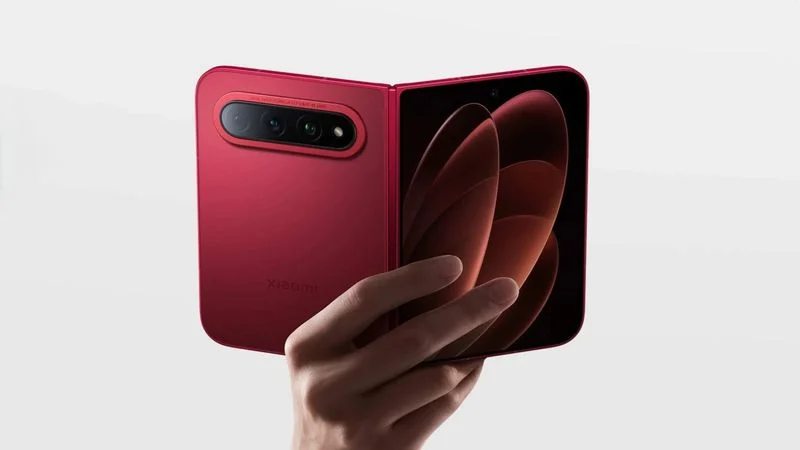
Xiaomi Foldable iPhone Rival: 18 Fold vs Apple's Ultra
Gadgets

Xiaomi Foldable iPhone Rival: 18 Fold vs Apple’s Ultra

Matilda Lucia, Techticia.com author avatar
Matilda
8 Min Read

PS5X Emulator Runs PS5 Games on Xbox Series X

Matilda Lucia, Techticia.com author avatar
Matilda
7 Min Read
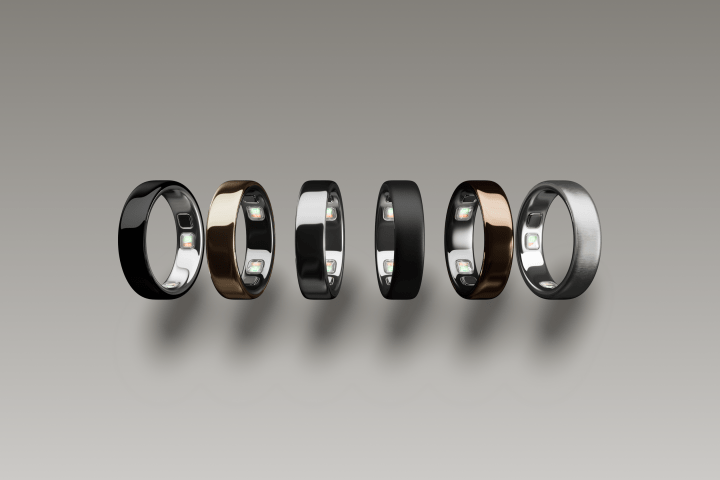
Smart Ring Market: Top Oura Rivals to Watch in 2026
GadgetsHardware

Smart Ring Market: Top Oura Rivals to Watch in 2026

Matilda Lucia, Techticia.com author avatar
Matilda
7 Min Read
//

Craving the latest tech news? Techticia delivers! Dive deep into insightful articles on everything from cutting-edge gadgets and AI advancements to reviews, consumer tips, and future tech trends. Techticia.com keeps you informed and connected to the ever-evolving world of technology.

Sign Up for Our Newsletter

Subscribe to our newsletter to get our newest articles instantly!

Techticia.comTechticia.com
Follow US
© 2026 Techticia.com. All Rights Reserved.
Stay Ahead with Techticia
Get the latest technology news, reviews, guides, and updates from Techticia delivered to your inbox.
By subscribing, you agree to our Privacy Policy. Unsubscribe at any time.
Welcome Back!

Sign in to your account

Username or Email Address
Password

Lost your password?